
- Recommended
- ATS-friendly
- One column
Free resume builder · Georgian & English
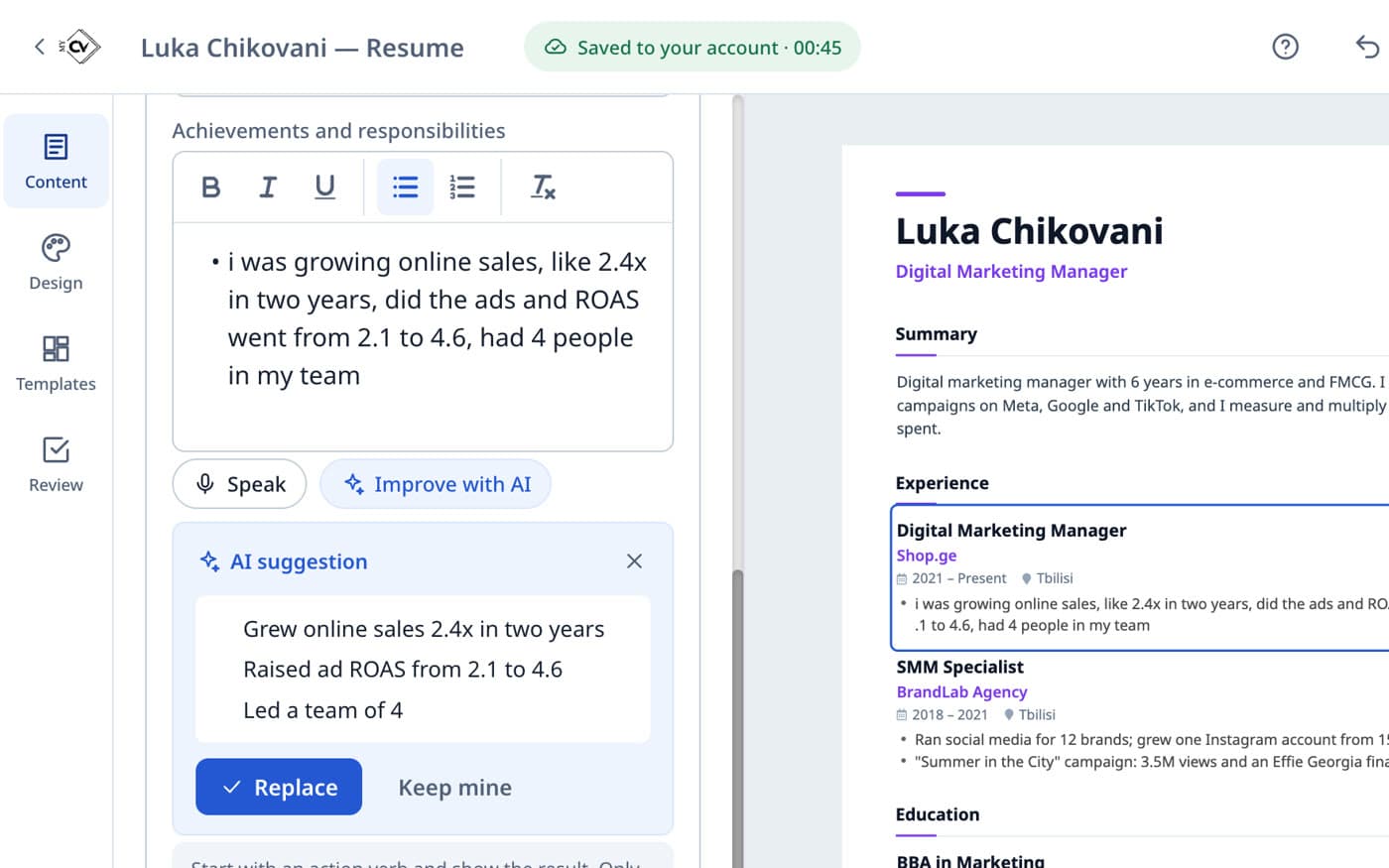
Talk or type. Your AI partner asks the right questions and builds your résumé live.
Your first resume in a few minutes.
Answer a few useful questions by voice or text. Your AI partner helps you find the right words.
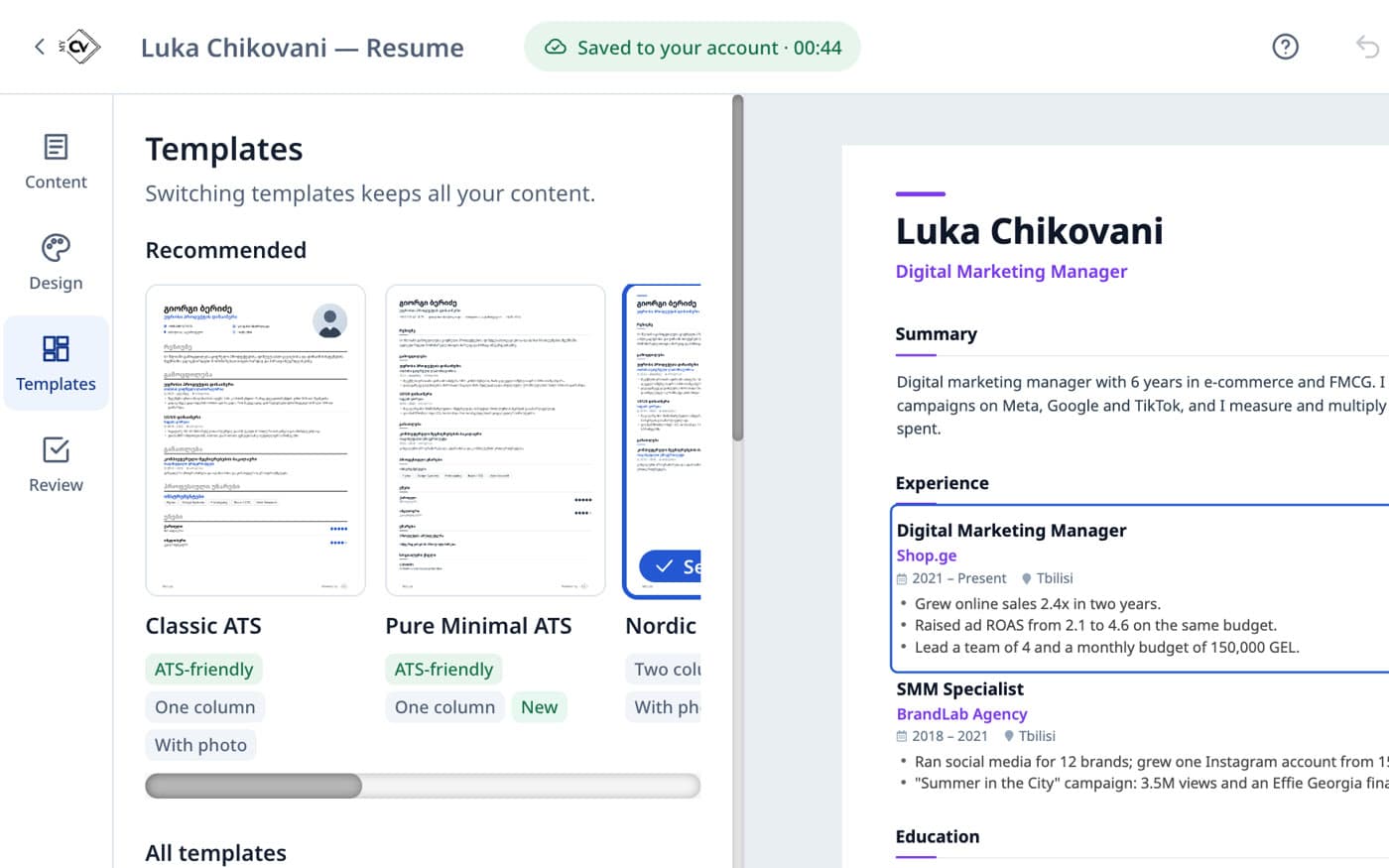
Follow live updates, edit any detail, then choose a template that feels like you.
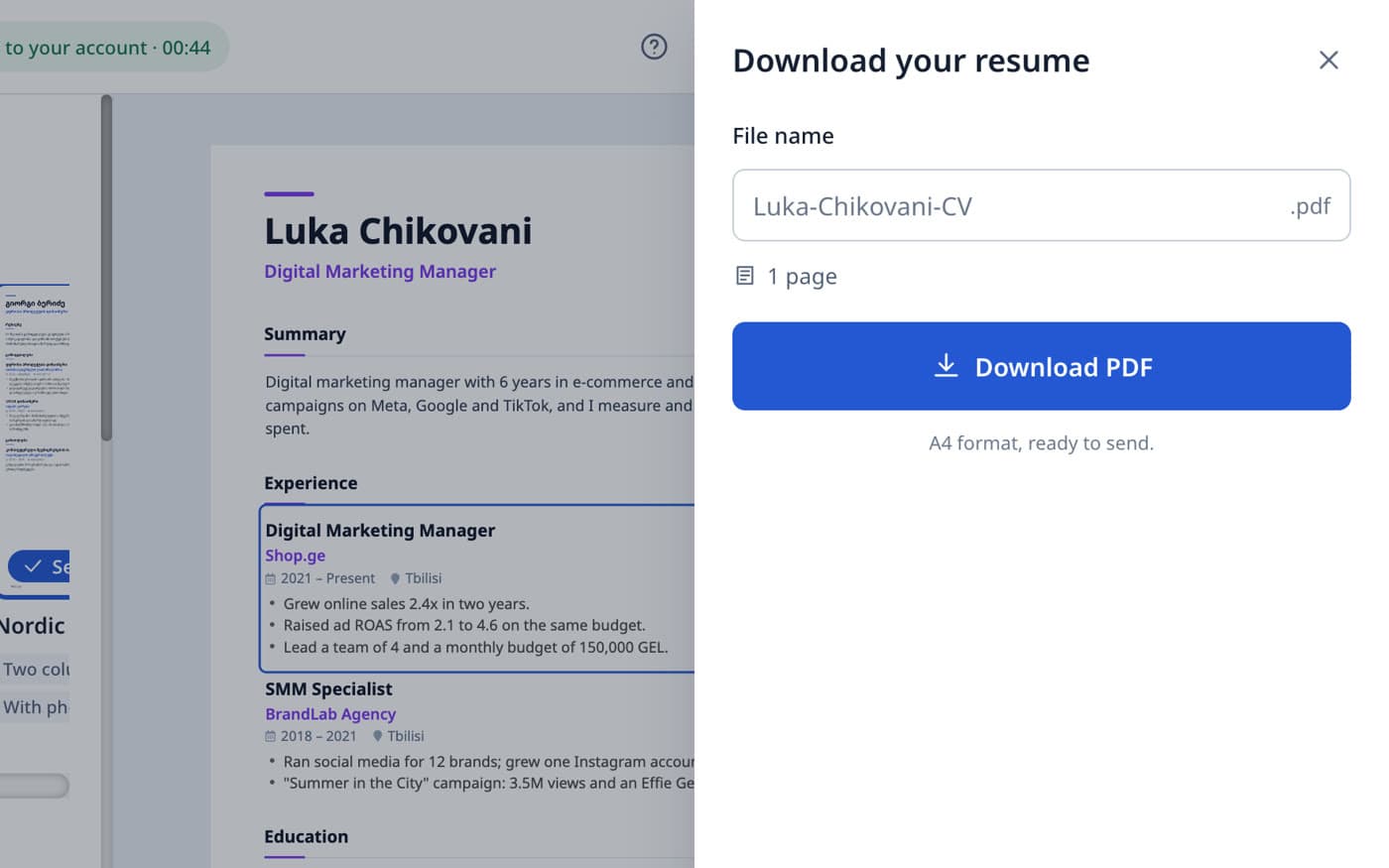
Get a clean PDF that's ready to send to employers.
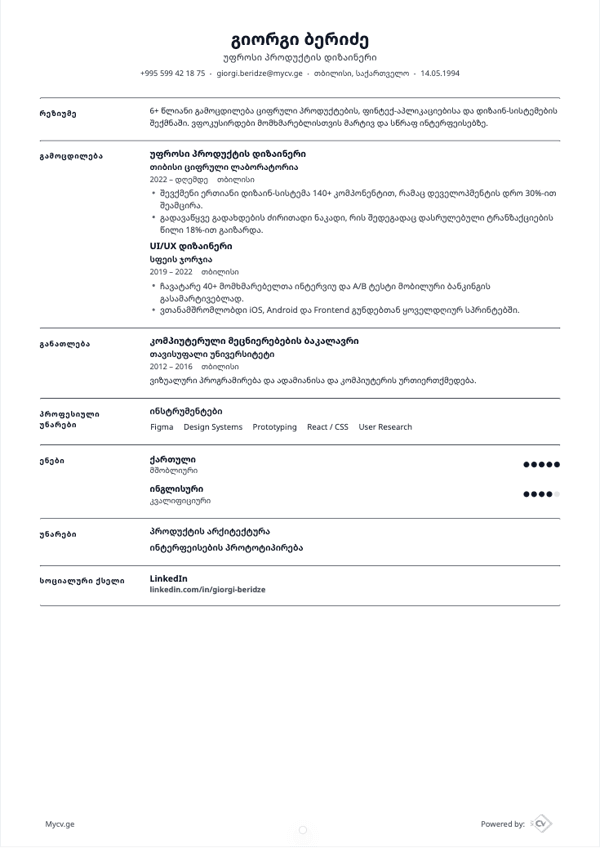
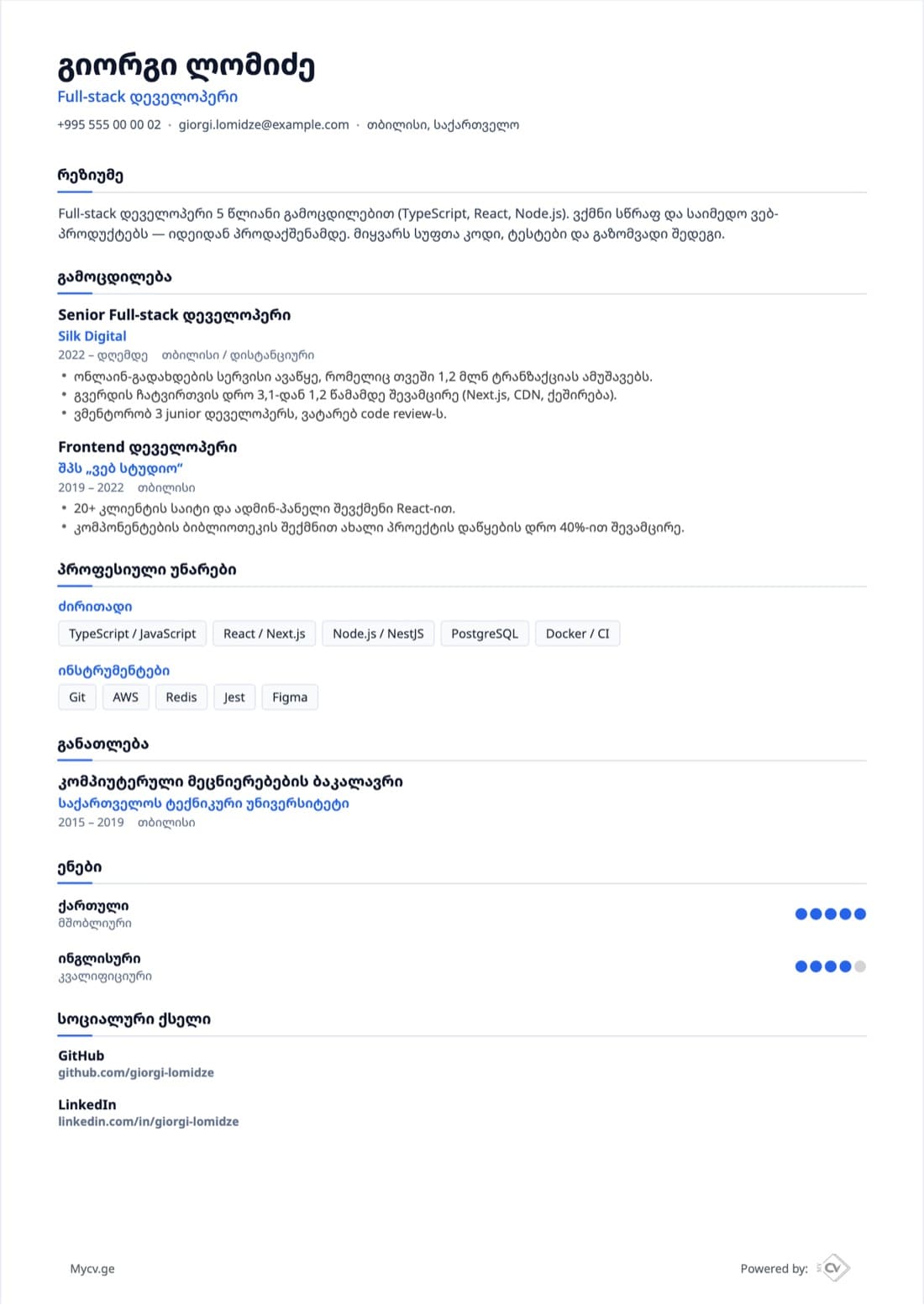
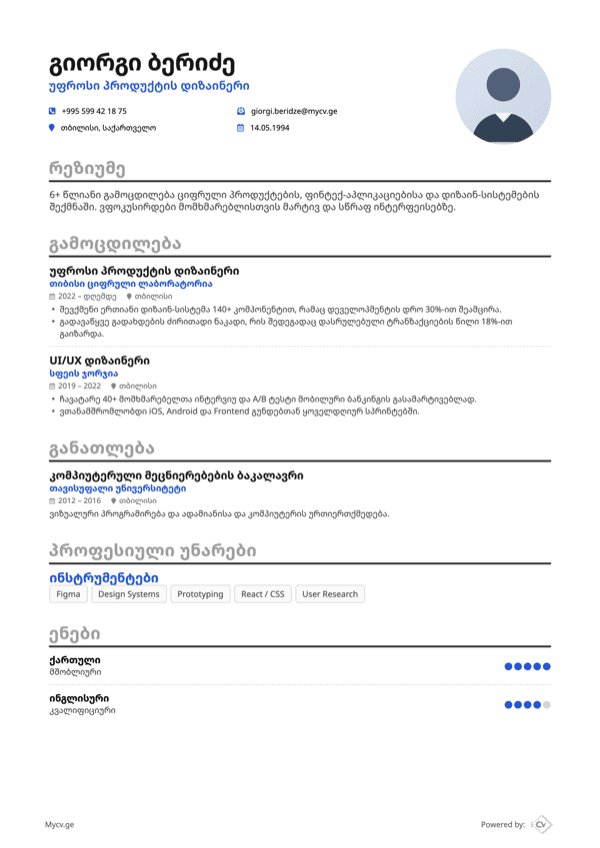
Pick a design that fits your profession. Every template handles Georgian and English text equally well.
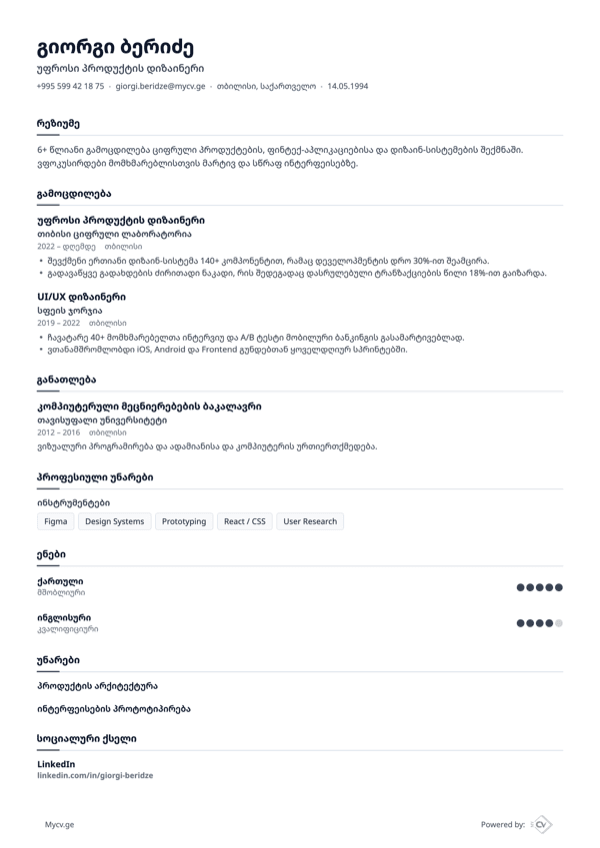
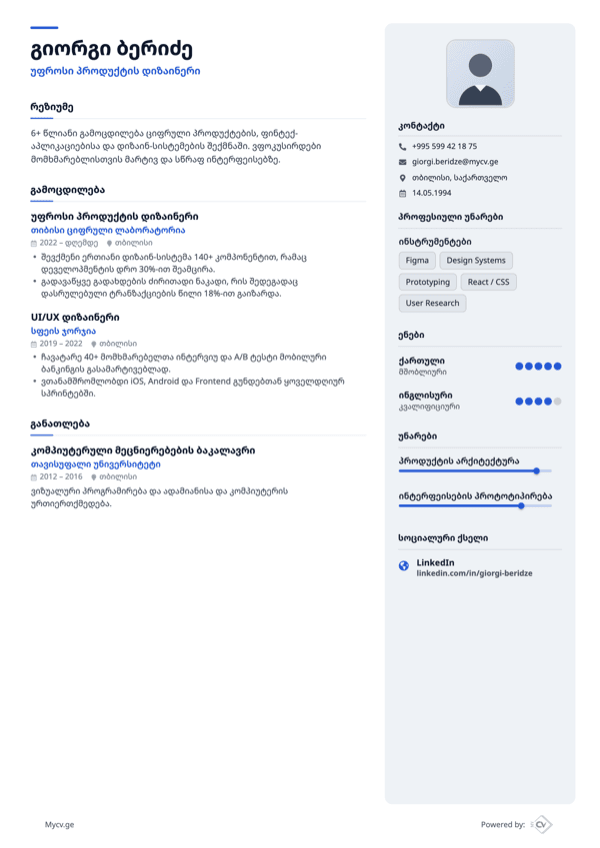
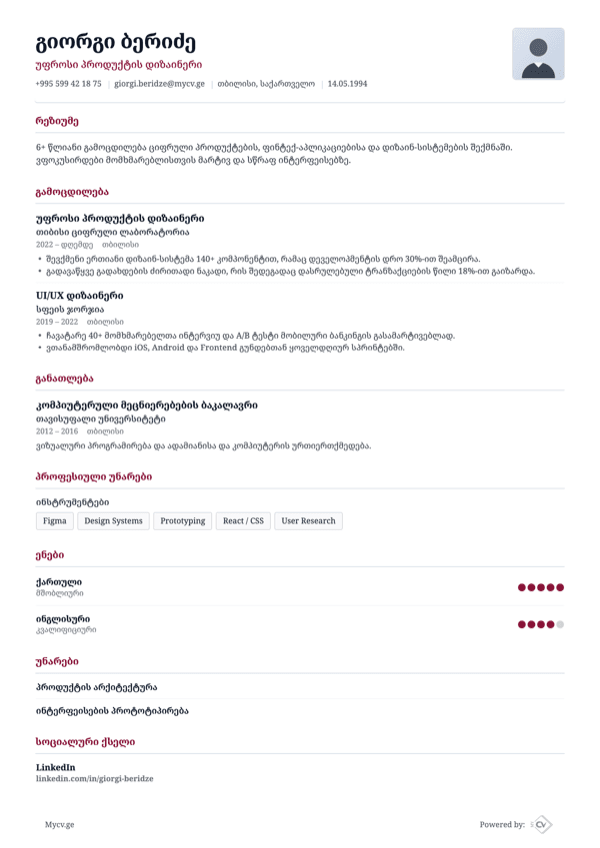
Start from a ready-made example and make it yours.
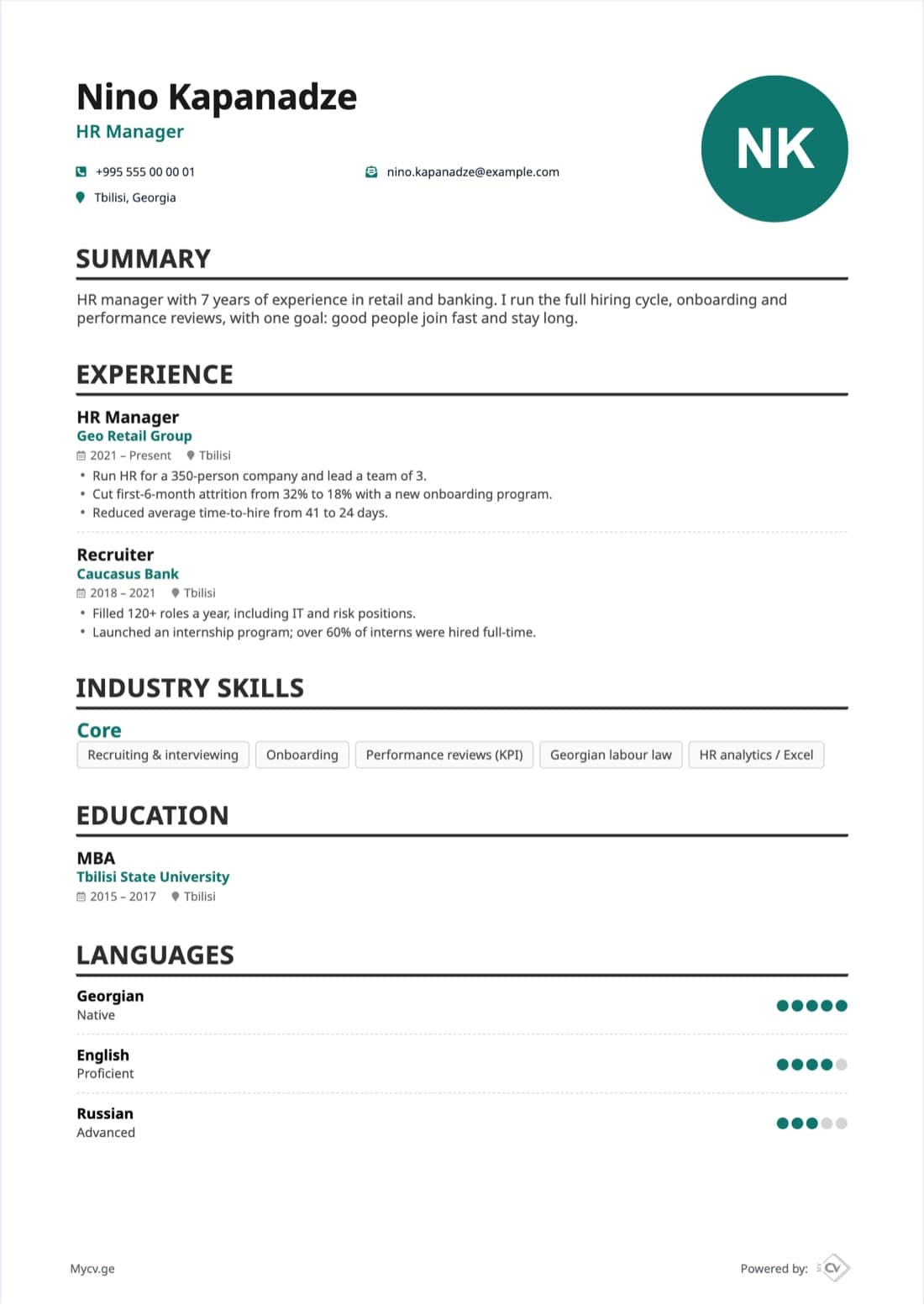
Hiring, onboarding and performance reviews, backed by numbers.
Modern, distinctive design, Drag n Drop Functional
Create an ideal CV on Mycv.ge and increase your chances of employment
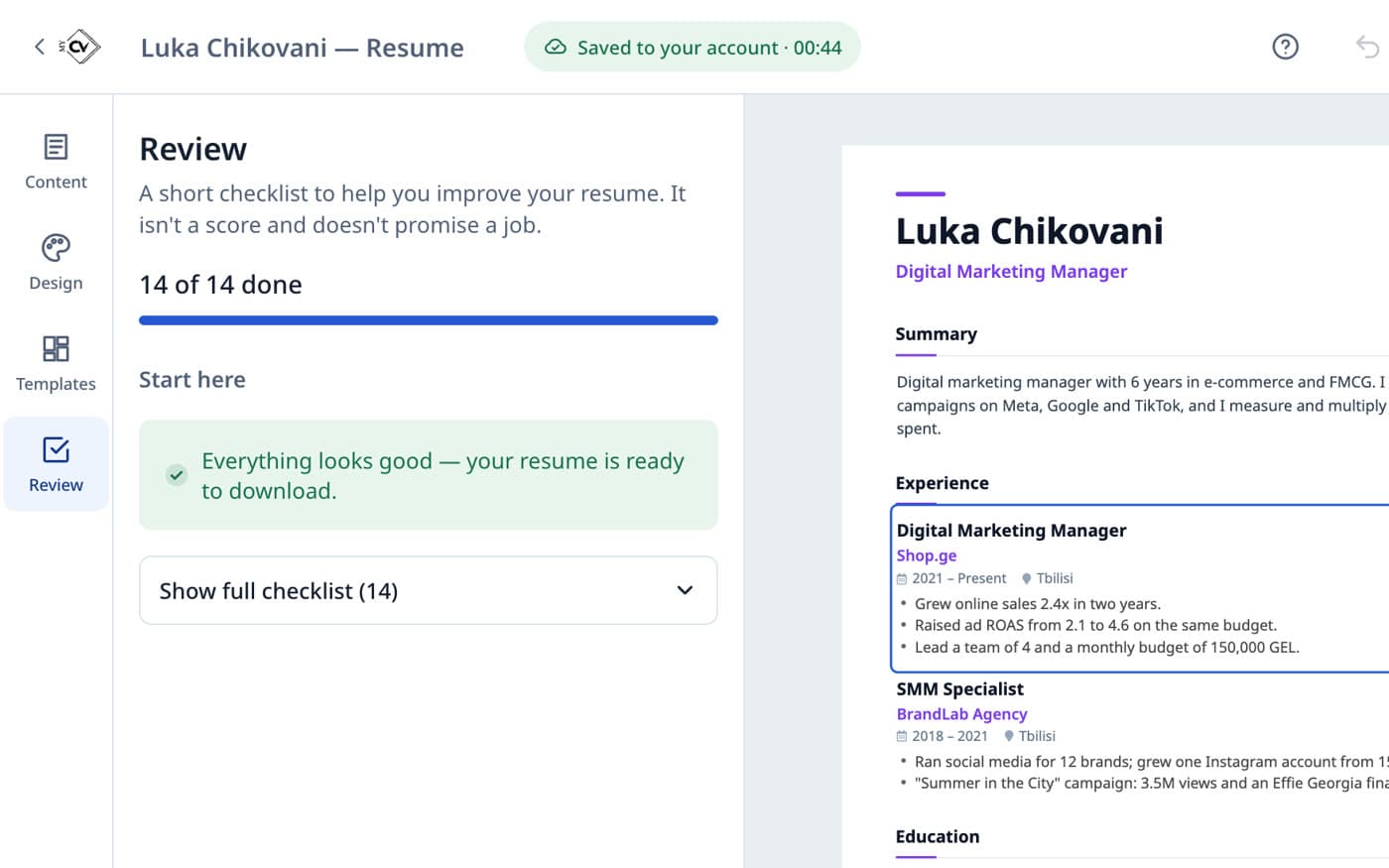
CV template and made building blocks
Download or register for future changesDownload or register for future changes
Everything you need for a good resume, in one place.
Talk about your experience and we'll help turn it into resume text.
Create and download your resume for free.
You choose the resume language — independent of the site language.
Clean, well-structured layouts that applicant tracking systems read easily.
An A4 PDF that looks the same on every device.
Your resumes are kept in your account — update and download them whenever you need.
Practical advice to help you put your resume together.
A resume, also known as a CV (Curriculum Vitae), is a concise summary of your personal and professional qualifications, experiences, and education. Its main purpose is to showcase your potential as a candidate and make a strong impression on prospective employers.
Crafting an effective resume significantly increases your chances of success. To learn more about how to do this, check out our video guide on resume creation.
When you lack work experience, constructing a resume can be challenging. In such cases, your resume should highlight your education, extracurricular activities, hobbies, and interests.
Remember that employers are generally less focused on your work experience for entry-level positions. Pay attention to your education, interpersonal skills, hobbies, and interests.
For an entry-level resume, prioritize the skills and qualities that make you a promising candidate, such as teamwork, adaptability, and your eagerness to learn.
It's best to organize information chronologically (from oldest to newest). However, you can also highlight your most relevant experiences at the beginning.
A one-page resume is generally sufficient, but if you feel that you need to include more essential information, extending it to two pages is acceptable.
A brief summary is a crucial part of your resume. It shouldn't exceed 3-4 sentences, but it should effectively convey your message and professional experience.
Format your resume using clear, easy-to-read sections that correspond to your provided information.

Remember, there is no one-size-fits-all resume. Each recruiter has unique preferences and requirements. Keep your resume simple and well-structured to ensure your information is easily accessible. Additionally, always send your resume in PDF format.
Yes. Creating a resume, choosing a template and downloading the PDF are free.
You can start without one. To download the PDF and keep your resume, sign in — it only takes a few seconds.
Yes. You choose the resume language — Georgian or English — independently of the site language.
Your resume downloads as a PDF. It's the format employers prefer and it looks the same everywhere.
Yes. Once you're signed in, every resume is kept under “My resumes”, where you can continue editing, duplicate or delete it.
Turn on your microphone and talk about your experience. Mycv.ge turns the recording into text and helps fill in your sections — you can always edit the result.
Build your resume now — it's free and takes just a few minutes.